Speed first
Keep the next action close, with fewer unnecessary steps.
About Lumshot
Lumshot brings capture, annotation, automation, and sharing together so visual context can move your work forward.
Why we built it
Screenshots help people explain problems and share ideas. But adding context and getting the result to the right place can take several tools and repeated steps.
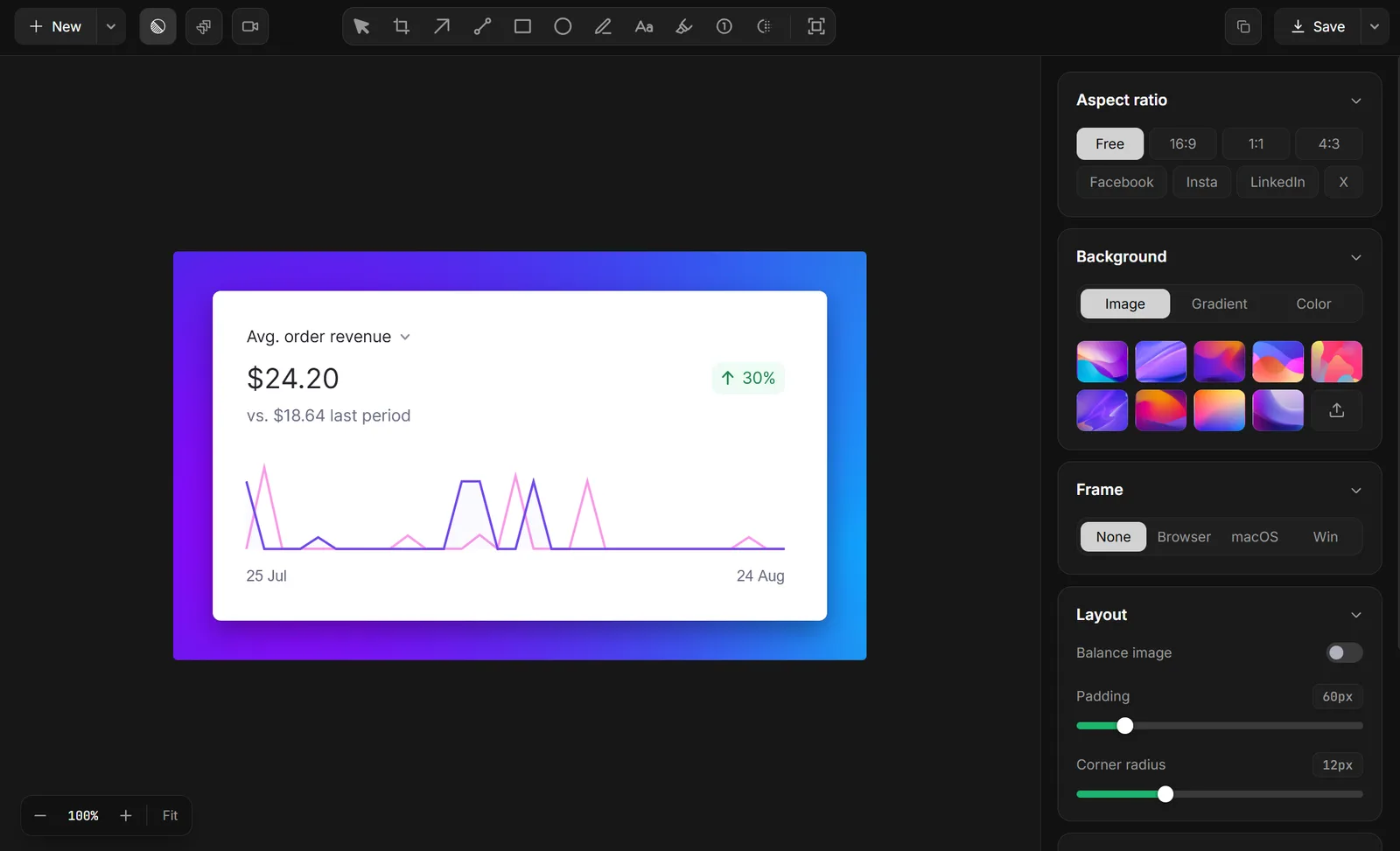
Lumshot keeps capture, annotation, automation, and integrations close together. Mark the detail, bring a screenshot into your AI conversation, create a Jira issue, or share it with your team.
Our principles
Keep the next action close, with fewer unnecessary steps.
Make advanced tools understandable in everyday work.
Keep captures under your control, with local OCR and redaction.
Give each interaction a clear purpose and a considered place.
Built for
Capture errors, annotate screenshots, and share visual context for debugging.
Highlight interface details and communicate design feedback with annotated screenshots.
Capture and annotate bugs, then create Jira issues with the visual context developers need.
Record steps and share visual walkthroughs to help customers resolve issues.
Record demonstrations and create clear tutorials, guides, and visual explanations.
Explore the tools or start with Free capture and annotation.