Customer Support
Screenshots for Customer Support
Show customers exactly what to do with annotated screenshots and short screen recordings. Explain a problem or solution visually without writing long instructions.
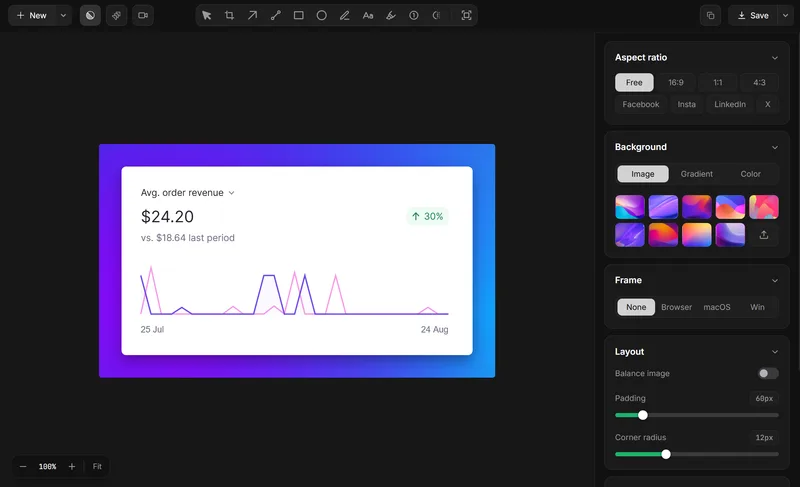
Explain a solution in three steps.
- Capture the screen: Take a screenshot of the relevant interface or record a short walkthrough.
- Show the next step: Add arrows, labels, or highlights so customers know where to look.
- Share the solution: Export or copy the capture into your existing customer support conversation.
Capture the relevant screen, add only the context needed to explain the issue, and share the result through the tool your team already uses.
Tools for visual customer support
Explore Screenshot Annotation. Screen Recording.
For more on this workflow, see Screenshot Redaction.
Make customer support easier to follow.
Show the solution with screenshots and screen recordings.