Visual Tutorials
Create Screen Recording Tutorials
Record your screen, trim unnecessary steps, and add visual explanations to make software tutorials easier to follow. Use annotated screenshots when a full recording is not needed.
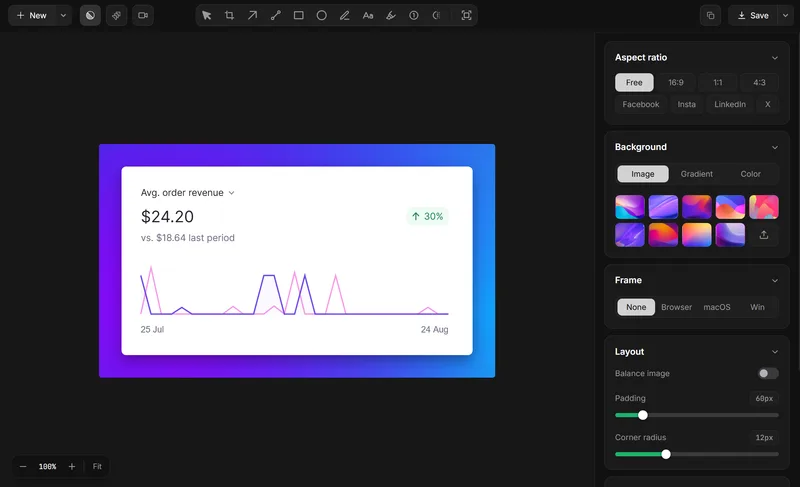
Create a tutorial in three steps.
- Record the process: Capture the actions you want to explain with Lumshot’s screen recorder.
- Make it clear: Trim unnecessary parts and add supported annotations to highlight important steps.
- Share your tutorial: Export the finished recording or share annotated screenshots through your preferred channel.
Capture the relevant screen, add only the context needed to explain the issue, and share the result through the tool your team already uses.
Tools for visual tutorials
Explore Screen Recording. Screenshot Annotation.
For more on this workflow, see Scrolling Screenshot.
Make every step easier to follow.
Create clear screen recordings and visual guides with Lumshot.