Capture exactly
what you need.
Capture a region, window, full screen, or scrolling content. Record your screen when a screenshot can't tell the whole story.
Screenshots and screen recording
Capture screenshots and record your screen on Windows and Mac, with Linux coming soon.
Annotate your captures, Auto Paste screenshots into desktop AI apps, and create Jira issues with the context your team needs.
Windows & macOS · Linux coming soon
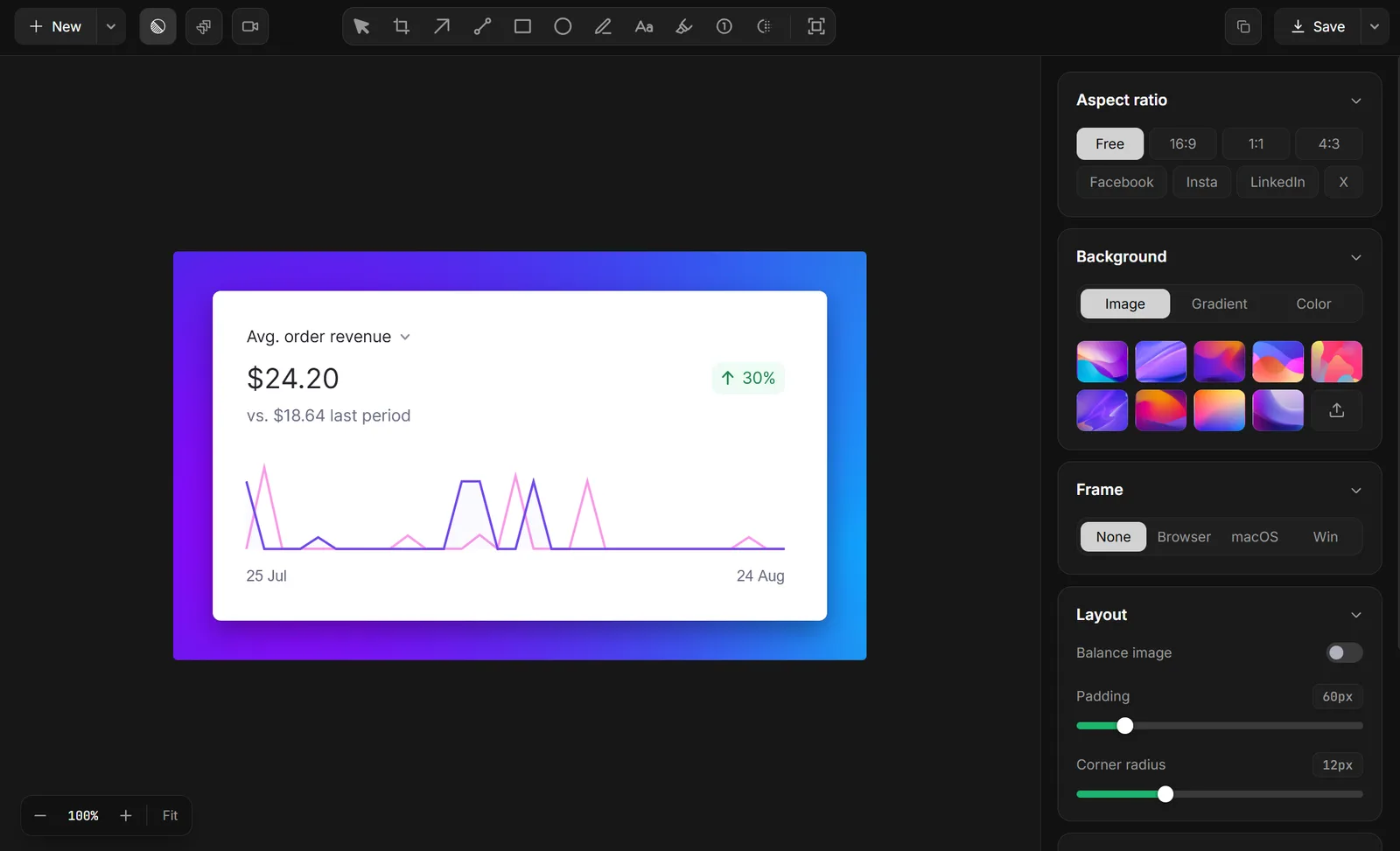
One capture. The whole workflow.
A screenshot and screen recording tool should help with the next step, too.
Capture a region, window, full screen, or scrolling content. Record your screen when a screenshot can't tell the whole story.
Add arrows, text, shapes, highlights, numbered steps, and blur. Extract text from screenshots with OCR instead of retyping it.
Auto Paste screenshots into your desktop AI app, turn bugs into Jira issues, or drag, copy, and export your capture to keep working.
Capture. Explain. Put it to work.
Add arrows, text, highlights, numbered steps, shapes, and blur to make your screenshots easy to understand.
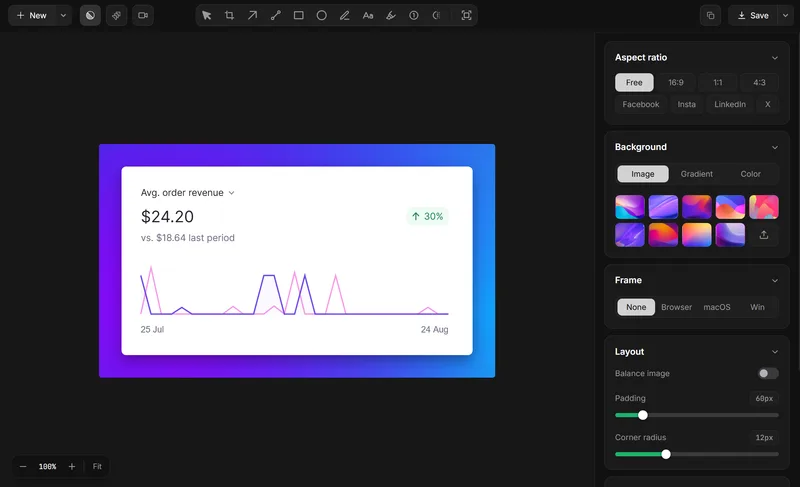
Capture a screenshot and Auto Paste it into your active supported desktop AI app. Add your prompt and keep going.
Turn a screenshot or screen recording into a Jira issue with the visual context your team needs.
Capture long webpages, documents, or conversations in one continuous scrolling screenshot.
Extract and copy text from screenshots with OCR, without retyping it manually.
Detect private details locally, review the findings, and apply protection before sharing.
Record your screen with system audio, microphone, and a camera bubble, then trim clips and add text, arrows, and blur in the editor after recording.
Move your capture into a chat, email or document without saving a file first.
AI Auto Paste
Capture a screenshot and Lumshot automatically pastes it into your active supported desktop AI app. Skip saving files, copying images, and switching back and forth.
The screenshot is there. You add the prompt.
Explore AI Auto PasteWorks with the supported desktop apps for ChatGPT, Claude, Cursor, Gemini, and GitHub Copilot.
Capture a broken interface or error and Auto Paste the screenshot into Cursor to add visual context to your question.
Auto Paste a screenshot into the ChatGPT desktop app instead of manually copying and pasting it.
Send a screenshot to the Claude desktop app when your question needs visual context.
Jira Integration
Capture a bug with a screenshot or screen recording, annotate what matters, and create a Jira issue directly from Lumshot with the visual context attached.
Give developers and QA the visual evidence they need to understand what happened.
Screen Recording
Record your screen, a window, or a selected region with system audio, microphone, and a camera bubble. Show the clicks, the timing, and the moment something goes wrong.
Cut and reorder clips, adjust speed, add voiceover, or annotate with text, arrows, and blur. Turn a recording into a clear demo, walkthrough, or bug report.
Explore Screen RecordingBuilt around real work
Capture an error → extract the text with OCR → Auto Paste the screenshot into Cursor or turn it into a Jira issue.
Capture the interface → annotate what matters → redact private details → share feedback people can act on.
Record your screen → add context → create a clear walkthrough that shows someone exactly what to do next.
OCR and Smart Redaction run on your device without uploading captures to Lumshot. Captures you send to AI, Jira, or another service are shared with that destination.
Pricing
A one-time Pro license. No subscription.
$0Free to use
Capture, annotate, and share without a time limit.
Free captures include a Lumshot watermark.
Download$69$29One-time · USD
Early bird lifetime price
Everything in Free, plus the tools that take captures further.
Includes lifetime updates.
Compare Lumshot
Lumshot is a screenshot and screen recording tool for desktop. Capture your screen, explain it with annotations, and continue into OCR, AI conversations, Jira, or sharing.
Yes. Screenshot capture and annotation are included in Free. Pro adds scrolling screenshots and a screen recorder with audio, camera support, video editing, and text, arrow, and blur annotations.
Lumshot is available for Windows 10 (64-bit) or later and macOS 12 Monterey or later. Linux is in development and coming soon.
Open a supported AI conversation, then capture your screen. Lumshot detects the workflow and adds the screenshot automatically. Add your prompt and continue in ChatGPT, Claude, Cursor, Gemini, or GitHub Copilot. AI Auto Paste is a Pro feature.
Yes, with Pro. Capture the problem, annotate it, review the screenshot and issue details, and create the Jira issue with visual context. See the Jira integration guide for the workflow.
The Free plan includes unlimited screenshots, annotation, clipboard, drag and drop, and PNG/JPG exports with a watermark. Pro unlocks recording, OCR, scrolling capture, Smart Redaction, AI Auto Paste, and Jira with a one-time license. Compare the plans.
Your screen is just the beginning
Capture a screenshot, record your screen, and add the context that matters.
Then move straight into what comes next.
Windows & macOS · Linux coming soon